The Car Rent Management System automates the workflow of a car rental agency, including customer handling, vehicle tracking, booking management, payments, and maintenance logging. It improves efficiency, supports scalable data growth, and provides clear reporting for strategic planning.
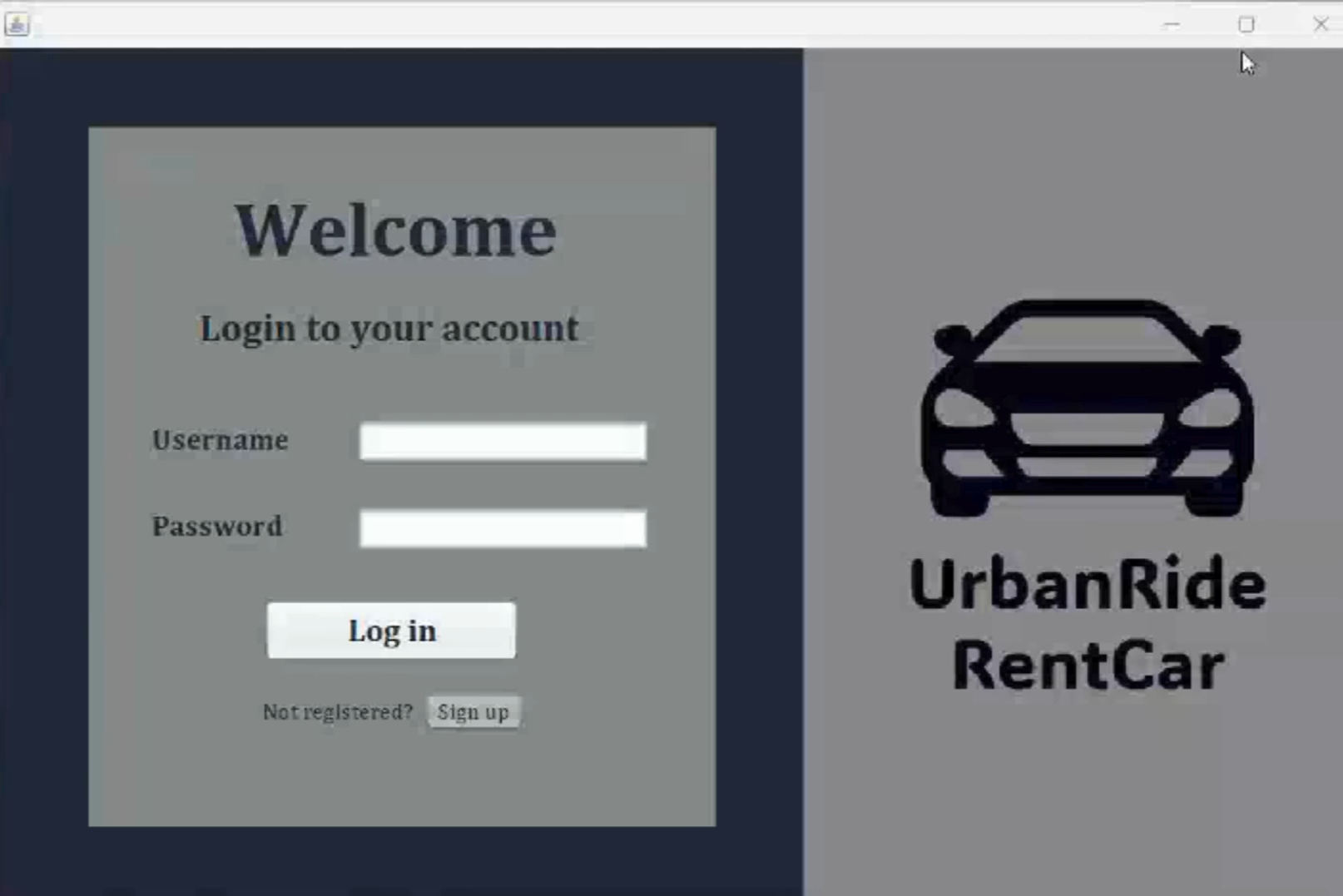
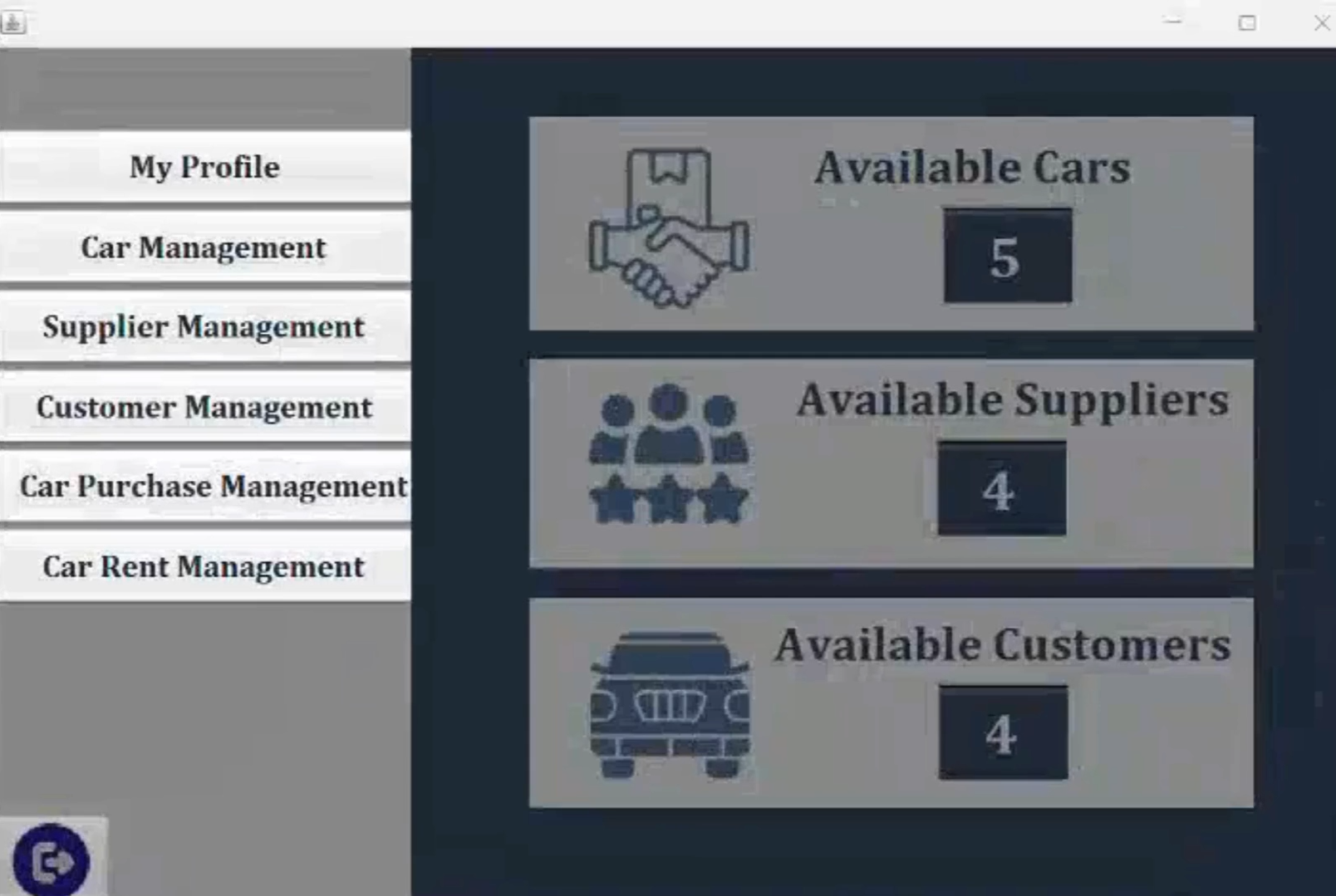
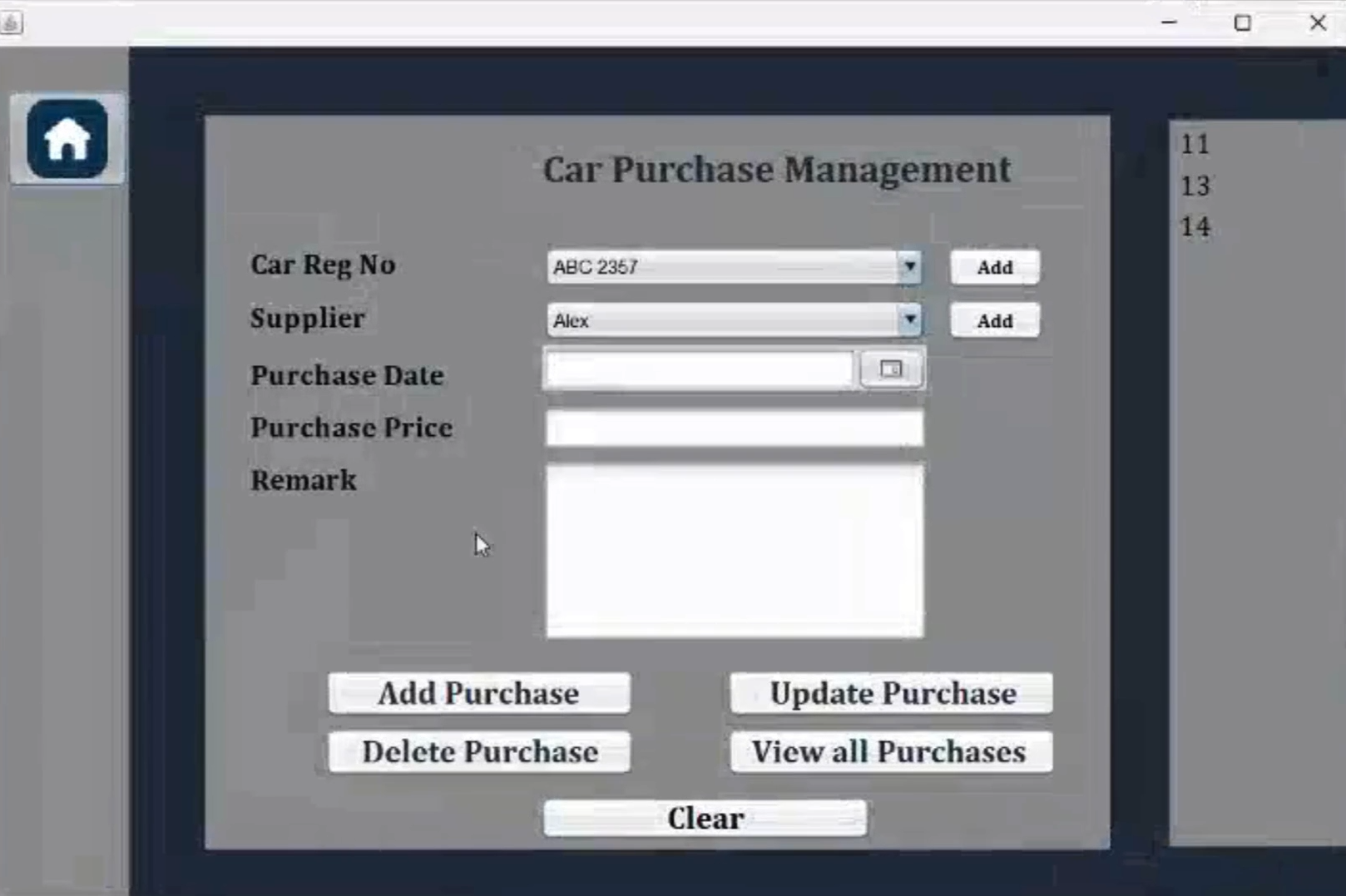
- Automate car rental workflows and reduce manual operations.
- Manage scalable customer, vehicle, and booking data.
- Track and update car availability, rental status, and maintenance.
- Generate detailed reports for business analysis and decision-making.
| Tool/Library | Version | Notes/Links |
|---|---|---|
| Java SE Development Kit | 11.0.2 | Download JDK |
| Apache Ant (Build Tool) | 1.10.13 | Download Ant |
| Java Swing (GUI Framework) | Built-in | Comes with JDK – no separate install |
| MySQL Database | 8.0.23 | Download MySQL |
| MySQL JDBC Driver | 8.0.23 | Download Connector/J |
| JasperReports | 6.21.3 | Download JasperReports |
| Apache NetBeans IDE | 23 | Download NetBeans |
- Download and install from Oracle
- Set
JAVA_HOMEand update your systemPATH
- Extract and add
ant/binto your systemPATH
- Create a new database, e.g.,
car_rental_db - Create a user and grant necessary privileges
- Download and include
mysql-connector-java-8.0.23.jarin your classpath
- Add all necessary
.jarfiles from JasperReports to your project's libraries
- Open Apache NetBeans IDE
- Import or create a new Java project
- Configure required libraries (JDBC, JasperReports)
Example JDBC settings in your Java source:
String url = "jdbc:mysql://localhost:3306/car_rental_db";
String user = "your_db_username";
String password = "your_db_password";- Use Apache Ant or NetBeans' build options
- Run the
Mainclass or the main entry point of the system
- Ensure MySQL server is running before launching the system
- UI built using Java Swing (no separate installation needed)
- Place JasperReports templates (
.jrxmlor.jasper) correctly in the project folder - Project supports modular tab-based navigation (Cars, Customers, Rentals, Payments, etc.)
| Tool/Library | Version | Download Link |
|---|---|---|
| Oracle JDK | 11.0.2 | JDK Download |
| Apache Ant | 1.10.13 | Ant Download |
| MySQL Server | 8.0.23 | MySQL Download |
| MySQL Connector/J | 8.0.23 | Connector/J Download |
| JasperReports | 6.21.3 | JasperReports Download |
| Apache NetBeans IDE | 23 | NetBeans Download |