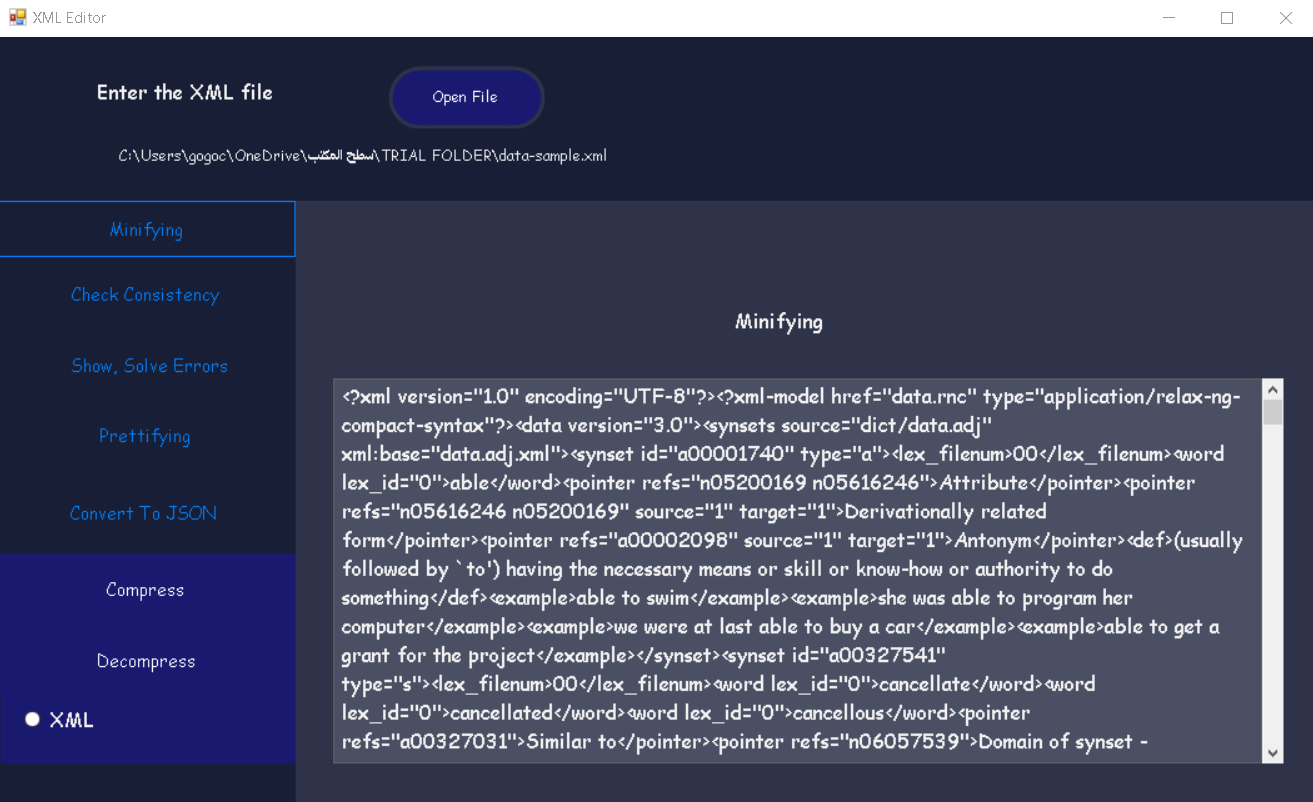
for Large data sample files such as 6MB file, checking/solving errors take some time to display the result
Features:
XML error handling and correcting them
XML minifying
XML prettifying
XML consistency check
XML conversion to JSON
XML & JSON compression and decompression
User Friendly GUI
Exe can run on different IDEs versions
IDE requirments to open project files:
.NET Core FrameWork 3.5+
project working on Visual Studio
Steps:
Download Project Folder
Run Solution Visual Studio to check Code implementation - ( Make sure to view the solutione explorer window from View list)
Run Exe to run the project directly
upload your xml samples using open file in GUI as Shown in Figure: