Viewer
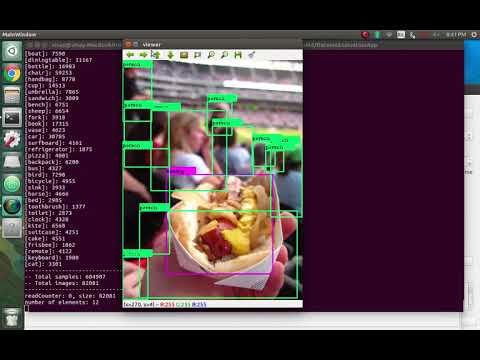
Viewer Tab is used to view various datatsets. It reads the images and the annotation files to label them with their respective class names and displays the same.
Currently, it supports various datasets, like COCO, Imagenet, Pascal VOC, Princeton, Spinello, etc. It also supports displaying and labelling depth images by converting them into a human readable depth map.
Below is an example to use Viewer to View COCO Dataset. To begin with, one would require COCO Dataset and the same can be downloaded from this link. COCO Dataset Downloads
Download both the annotations and Train Val images, and put them in a same folder and then extract.
Now, change your appConfig.txt to include this folder's path ( containing both Annotations and Images) or it's parent's path in dataset Path.
More details on creating appConfig.txt are given below.
Now, you can run DetectionSuite, switch to viewer tab, select the annotation file for COCO, which will be instances_trainxxxx.json.
Select reader Implementation as COCO and class name as coco.names (can be downloaded from here).
And just click View!
Sample Video Demonstrating the same:
Link to Video