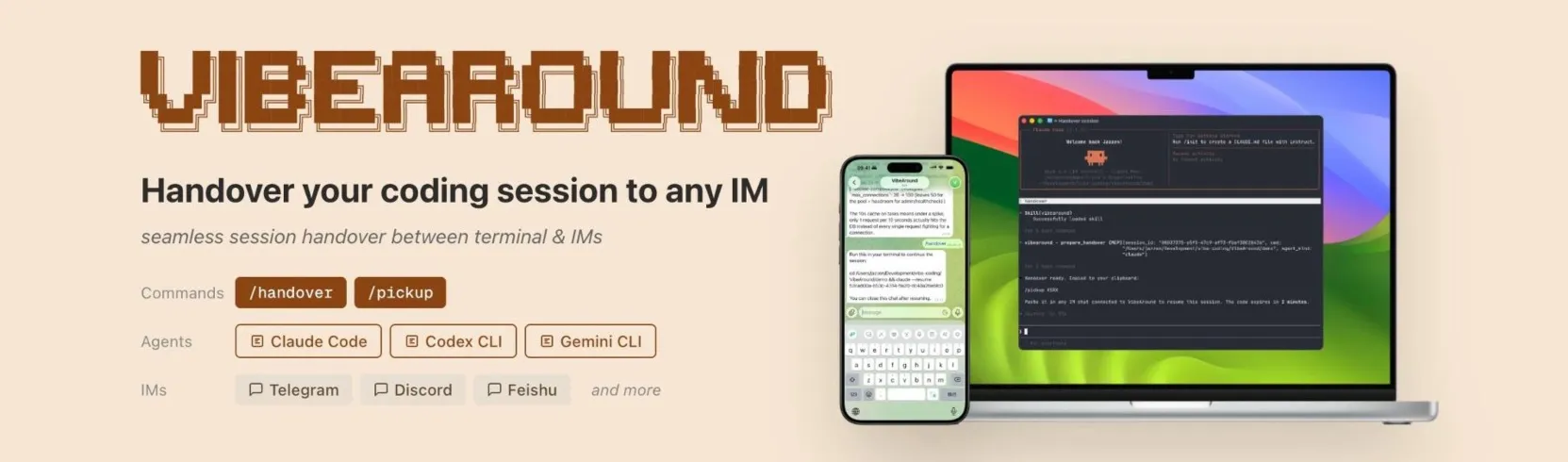


VibeAround gives you a faster way to work with coding agents such as Claude Code, Codex CLI, Gemini CLI, Cursor CLI, Kiro CLI, Qwen Code, and OpenCode. It keeps your existing local workflow, then adds cleaner ways to reach it: parallel API profiles, messaging apps on your phone, and a browser terminal for any device.
Use it when you want the comfort of local tools without the repetitive setup work. Start the same CLI against different providers, DM your agent from Feishu or Slack, hand a live session from terminal to phone, or open a tunnelled preview without wiring everything by hand.
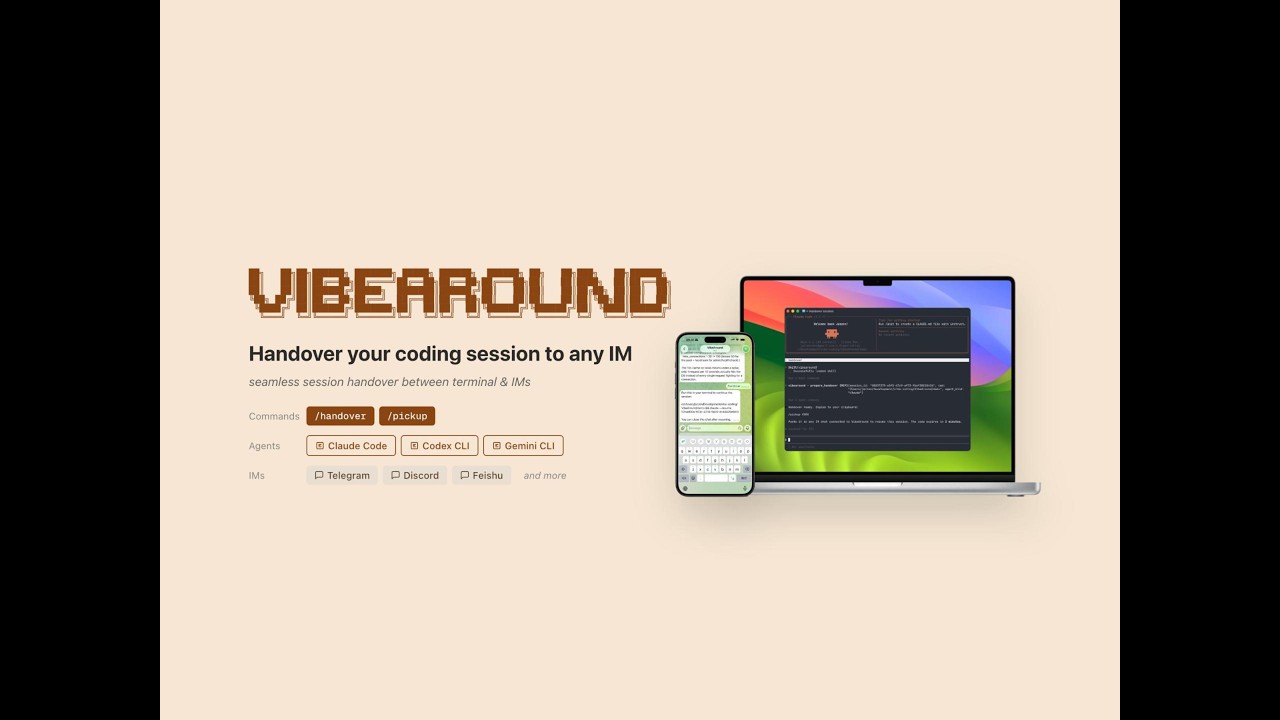

Reach your local agent from IM, move a session between terminal and phone, and switch agents mid-conversation.
Save multiple API profiles for providers such as Azure OpenAI, DeepSeek, Gemini, Minimax, Moonshot, OpenRouter, and Z.ai. Launch Claude Code or Codex against different profiles side by side, without manually editing config files or polluting a CLI's global settings.
Talk to your agent through Telegram, Feishu/Lark, Discord, Slack, WeChat, DingTalk, WeCom, or QQ Bot. The agent can write code, run commands, start servers, and stream progress back through the channel.
Use /handover and /pickup to move a live coding session between IM, terminal, and browser. The context travels with the session, so the device can change without starting over.
The web terminal gives you a full shell from phone, tablet, or another laptop. On mobile, VibeAround adds a command pad for ESC, Ctrl, arrows, and other terminal keys; with tmux, sessions can stay alive after the browser closes.
Expose local dev servers and rendered Markdown/HTML through authenticated short-lived links. It is built for the everyday loop of "agent changed something, open it on my phone".
Download the latest desktop build from GitHub Releases.
| Platform | Build |
|---|---|
| macOS Apple Silicon | .dmg |
| Windows | .zip |
| Linux | Build from source for now |
The source tree runs on macOS, Windows, and Linux. Cross-platform packaging is still improving, so release assets may arrive at different levels of polish per platform.
Agents communicate over stdio through ACP (Agent Client Protocol). VibeAround can install npm-distributed bridges when they are needed.
| Agent | IM Chat | Session Handover | Launch Profiles |
|---|---|---|---|
| Claude Code | ✅ | ✅ | ✅ |
| Codex CLI | ✅ | ✅ | ✅ |
| Gemini CLI | ✅ | ✅ | 🚀 Direct launch |
| Cursor CLI | ✅ | ✅ | 🚀 Direct launch |
| Kiro CLI | ✅ | ✅ | 🚀 Direct launch |
| Qwen Code | ✅ | ✅ | 🚀 Direct launch |
| OpenCode | ✅ | ❌ | 🚀 Direct launch |
Each messaging channel runs as a standalone Node.js plugin built with @vibearound/plugin-channel-sdk. Official plugin entries can be installed from the onboarding flow.
| Channel | Auth | DM | File/Image | Streaming |
|---|---|---|---|---|
| Telegram | Bot token | ✅ | ✅ | ✅ |
| Feishu / Lark | App credentials | ✅ | ✅ | ✅ |
| Discord | Bot token | ✅ | ✅ | ✅ |
| Slack | Bot + App token | ✅ | ✅ | ✅ |
| QR code login | ✅ | ✅ | ❌ | |
| DingTalk | AppKey + Secret | ✅ | ✅ | ✅ |
| WeCom | Bot ID + Secret | ✅ | ✅ | ✅ |
| QQ Bot | App ID + Token | ✅ | ✅ | ❌ |
- Local-first runtime — agents, channels, and sessions run on your own machine; VibeAround exposes controlled entry points instead of moving your workspace elsewhere.
- Unified agent protocol — ACP keeps Claude, Codex, Gemini, Cursor, Kiro, Qwen, and OpenCode behind one routing and session model.
- Parallel launch profiles — desktop profiles let the same CLI run against different API providers without rewriting shared config files.
- Plugin process model — every IM channel is isolated as its own subprocess, so new channels can be added without changing the core runtime.
- Native channel rendering — plugins use platform SDKs such as Telegraf, Lark SDK, and Slack Bolt, so messages render in the richest format the channel supports.
- Authenticated tunnels — web terminal and preview links can be opened from other devices while still requiring VibeAround auth.
- Skill + MCP injection — enabled agents discover VibeAround tools automatically through generated skill files and MCP config.
cd src
bun install
bun run prebuild
bun run dev
Prerequisites: Rust 1.82+, Node.js 20+, Bun 1.1+. On macOS, also run xcode-select --install.
Fresh clones do not need the local plugin SDK checkout. src/plugins/channel-sdk is only required when you are developing channel plugins locally.
| Command | What it does |
|---|---|
/help |
Show available commands |
/new |
Reset the session and start a fresh conversation |
/switch <agent> |
Switch agents mid-conversation |
/profile <name> |
Switch profile |
/close |
Close the conversation |
/handover |
Export the current session so you can resume it elsewhere |
/pickup <code> |
Resume a session handed over from another channel |
/agent <command> |
Send a slash command to the underlying agent, for example /agent status |
In Slack, the / prefix is reserved by the client, so use /va or /vibearound, for example /va switch claude.
- More polished installers and auto-update flows across platforms
- Richer web chat with better history, file upload, and rendering controls
- More channel plugins and a smoother plugin marketplace flow
- Stronger workspace isolation for teams and multi-project setups
- Sandboxed or containerized agent execution for tighter boundaries