
A headless email client application that provides access to IMAP, SMTP, Gmail API, and MS Graph API resources via a unified REST API. Easily integrate email accounts with your service!
- Full documentation: learn.emailengine.app
Warning
EmailEngine is not free open-source software. It is "source available" software, meaning you can view and copy the source code, but you need a paid subscription to run it beyond the free 14-day trial. Each EmailEngine instance comes with this trial, so you can test EmailEngine without any commitment.
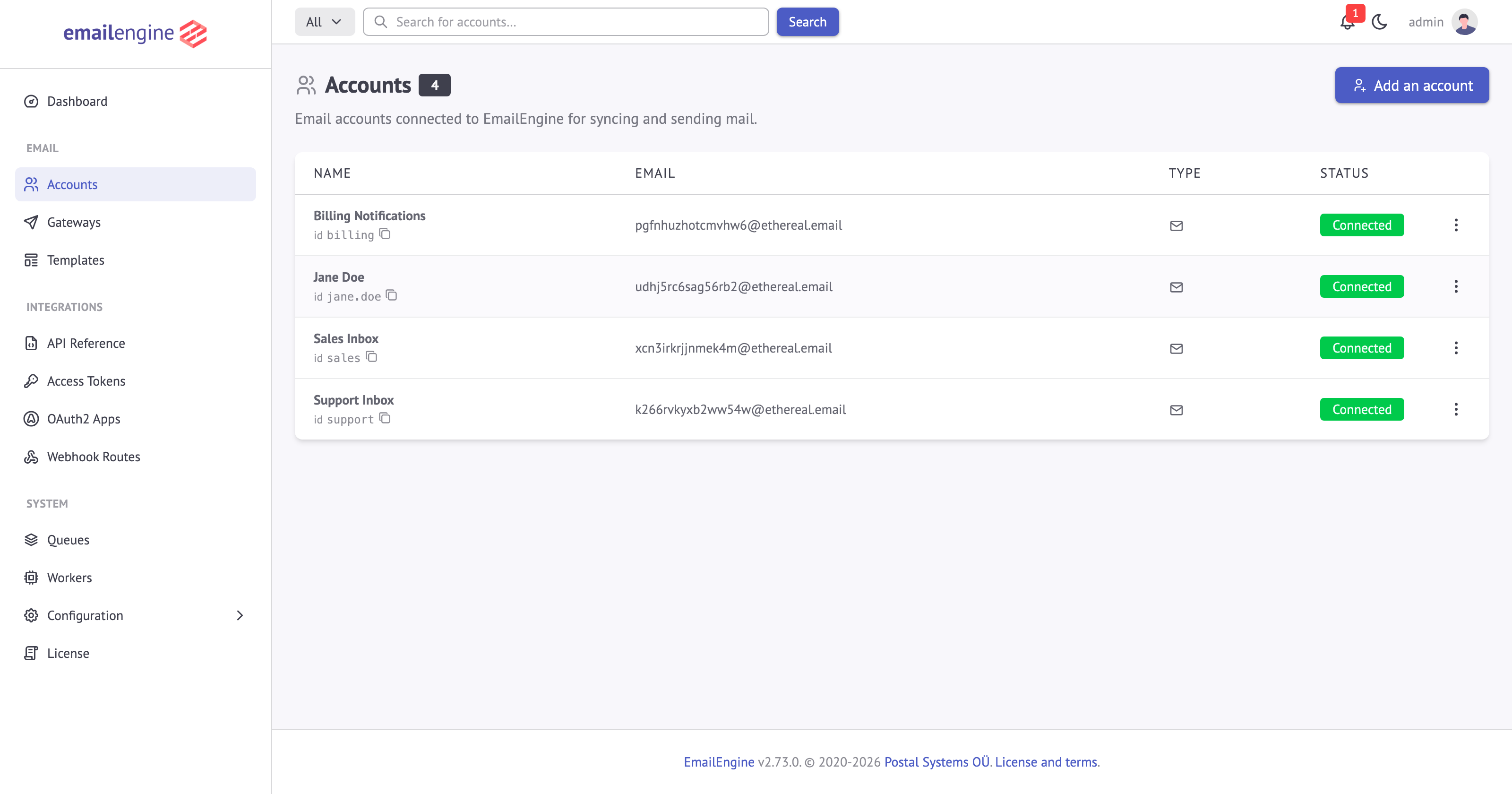
- Sync users' emails with your service and send emails on their behalf.
- Integrate your app with a dedicated email account, such as your support email.
- Monitor INBOX and Junk folders of a test email account to track where sent emails land.
- Ideal for lightweight webmail and mobile email apps that prefer to avoid direct IMAP and MIME processing.
- One REST API for every provider. IMAP/SMTP, the Gmail API, and Microsoft Graph are all exposed through the same endpoints, so your integration does not change when a user switches provider.
- Real-time webhooks. Get notified about new, deleted, and updated messages, sent mail, delivery errors, bounces, and account state changes. Optional custom routes filter and reshape payloads per destination.
- Sending. Queued delivery with retries, stored templates, sending gateways, open and click tracking, unsubscribe handling, a blocklist, and bounce classification.
- Account onboarding. A hosted authentication form handles OAuth2 (Google, Microsoft) and IMAP credentials so you never touch the user's password.
- Bulk export. Export an account's mail to compressed NDJSON, optionally encrypted.
- Protocol servers for legacy apps. A built-in SMTP submission server (MSA) and an IMAP proxy let existing clients reach OAuth2-only mailboxes without implementing OAuth2 themselves.
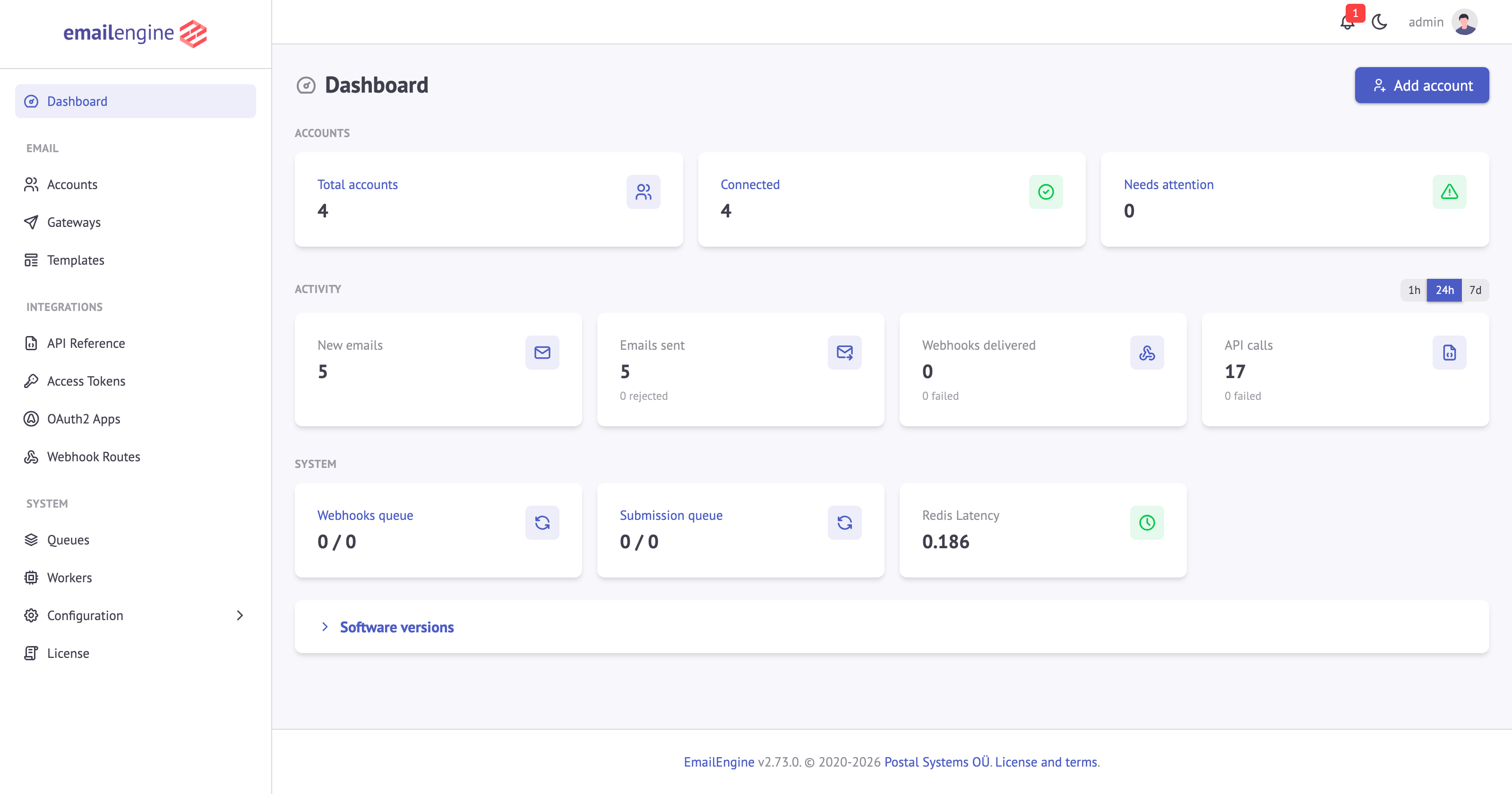
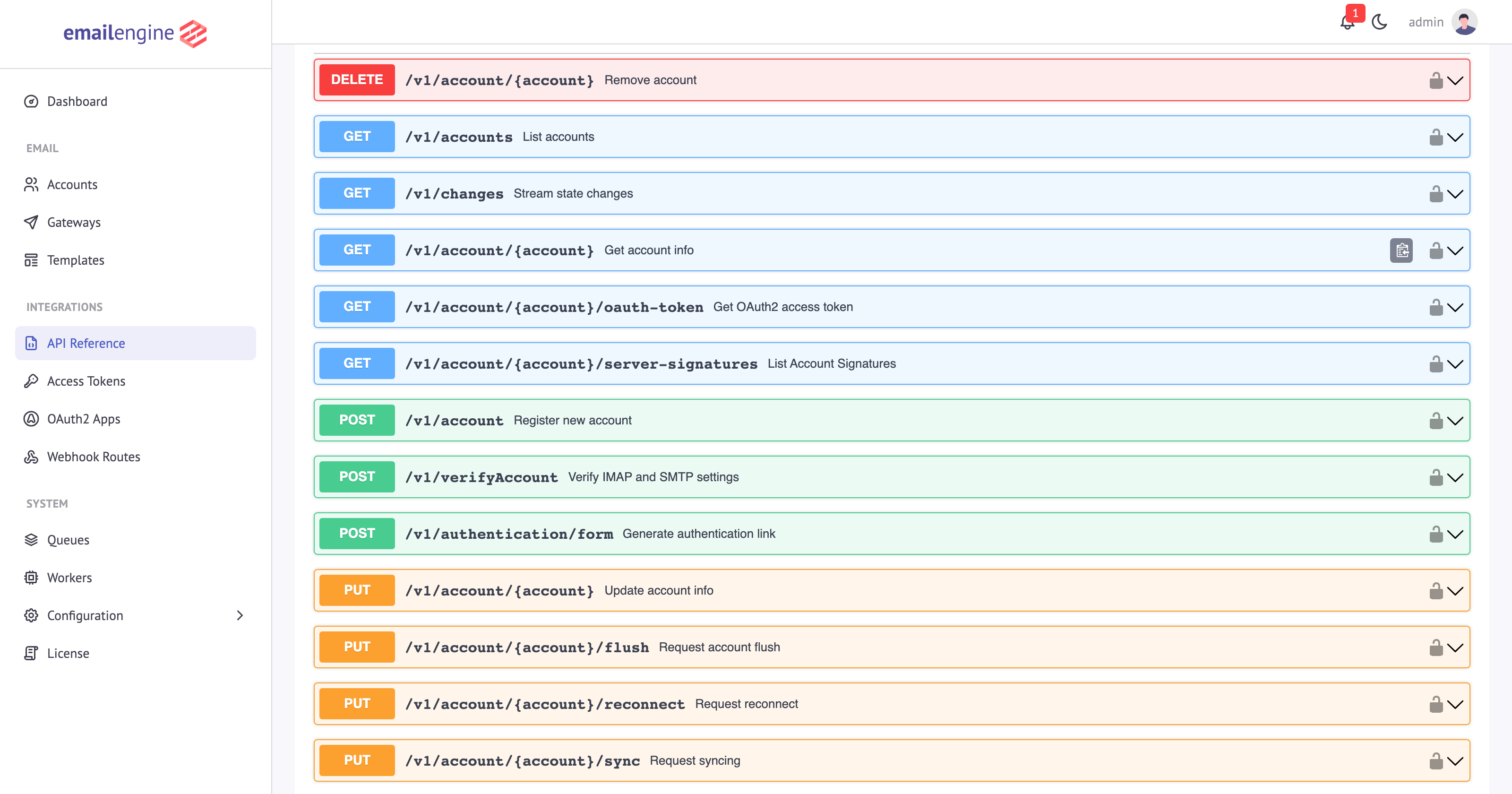
- Admin interface. Server-rendered dashboard with light and dark themes, an embedded API reference, queue inspection, and logs.
- Admin authentication. Password, passkeys (WebAuthn), TOTP two-factor, and SSO through Okta or any OpenID Connect provider (Keycloak, Authentik, Entra ID, Google).
- Operations. Prometheus metrics, structured logging, and a 7-language admin UI.
- Node.js - version 20 or newer (only when running from source; the prebuilt binaries and the Docker image bundle their own runtime)
- Redis - any version
Important
EmailEngine uses Redis as its primary database, not as a cache. Set maxmemory-policy to noeviction and give Redis enough memory for your workload - with any other policy Redis can drop sync state, which makes already-synced messages look new and generates duplicate webhooks.
Redis Cluster and Amazon ElastiCache are not supported. Use a standard Redis primary instance. EmailEngine warns about all of the above on the dashboard when it detects them.
Note
While Redis does not officially support Windows, alternatives like Memurai are available.
Tip
Minimize the latency between EmailEngine and Redis by running both on the same machine or in the same data center. Since EmailEngine runs a separate Redis command for each message in a folder during syncing, high latency can lead to slow sync times for folders with many messages.
- Documentation
- API Reference
- OpenAPI specification for Postman and code generators: every instance serves its own at
/swagger.json, or use the hosted copy at emailengine.dev/swagger.json
Refer to the configuration documentation for details on setting up EmailEngine.
By default, EmailEngine only allows connections from localhost. To enable external access, either edit the config file or use the CLI option --api.host="0.0.0.0". Ensure to secure external access with a firewall or proxy to allow only trusted sources.
You can use the included install script to set up:
- Redis as the data store
- EmailEngine as a SystemD service
- Caddy as a reverse proxy and HTTPS certificate handler
The script must run as root, and takes the domain name for EmailEngine as its first argument:
$ wget https://raw.githubusercontent.com/postalsys/emailengine/master/install.sh
$ chmod +x install.sh
$ sudo ./install.sh example.com
Pass a version as the optional second argument to install a specific release instead of the latest one. Re-running the script on an existing installation upgrades it in place, and it also installs /opt/upgrade-emailengine.sh for later upgrades.
Learn more about running EmailEngine as a SystemD service here.

To execute EmailEngine-CLI commands within a Docker container:
-
Exec into the container:
$ docker exec -it <container-id> /bin/sh
-
Run commands using
./bin/emailengine.js:$ node bin/emailengine.js <command>
For full Docker usage documentation, visit here. This repository also ships a docker-compose.yml and a longer Docker deployment guide.
Run emailengine help for the full list, or emailengine help <command> for a single one.
| Command | Description |
|---|---|
emailengine |
Start the EmailEngine server |
emailengine version |
Show the version number |
emailengine license |
Show the EmailEngine version and license terms |
emailengine password |
Set or reset the admin password |
emailengine tokens |
Issue, export, and import API access tokens |
emailengine encrypt |
Manage field-level encryption for stored credentials |
emailengine export |
Export account data, including credentials |
emailengine scan |
Scan the Redis keyspace and output a CSV report |
emailengine check-bounce |
Analyze a bounce email and classify it |
The license terms of the bundled third-party modules are not part of emailengine license - a running instance serves them at http://127.0.0.1:3000/licenses.html.
EmailEngine relies on Redis as its data store. Redis stores everything in RAM, so if an issue arises, EmailEngine may flood Redis, rendering the app unusable if space runs out.
To diagnose problems:
-
Check the job queues: Use the built-in Bull Board UI to monitor queue states at http://127.0.0.1:3000/admin/bull-board (requires an admin session).
-
Scan Keyspace: Run the following to group Redis keys by type and generate a report:
$ emailengine scan > keyspace.csv
EmailEngine provides Prometheus metrics at the /metrics URL path. The endpoint requires an access token with the metrics or * scope:
$ curl -H "Authorization: Bearer $EE_TOKEN" http://127.0.0.1:3000/metricsFor information on logging options, read the documentation here.
To trace the IMAP traffic of a single account, open that account in the admin interface and turn on logging for it. EmailEngine then keeps a rolling log for the account, which you can read on the same page or download as a text file.
To log raw IMAP traffic for every account instead, start EmailEngine with --log.raw=true (or EENGINE_LOG_RAW=true). This is verbose and includes message content, so keep it off in production.
For detailed security and data compliance information, refer to this guide.
EmailEngine is licensed under the commercial EmailEngine License.