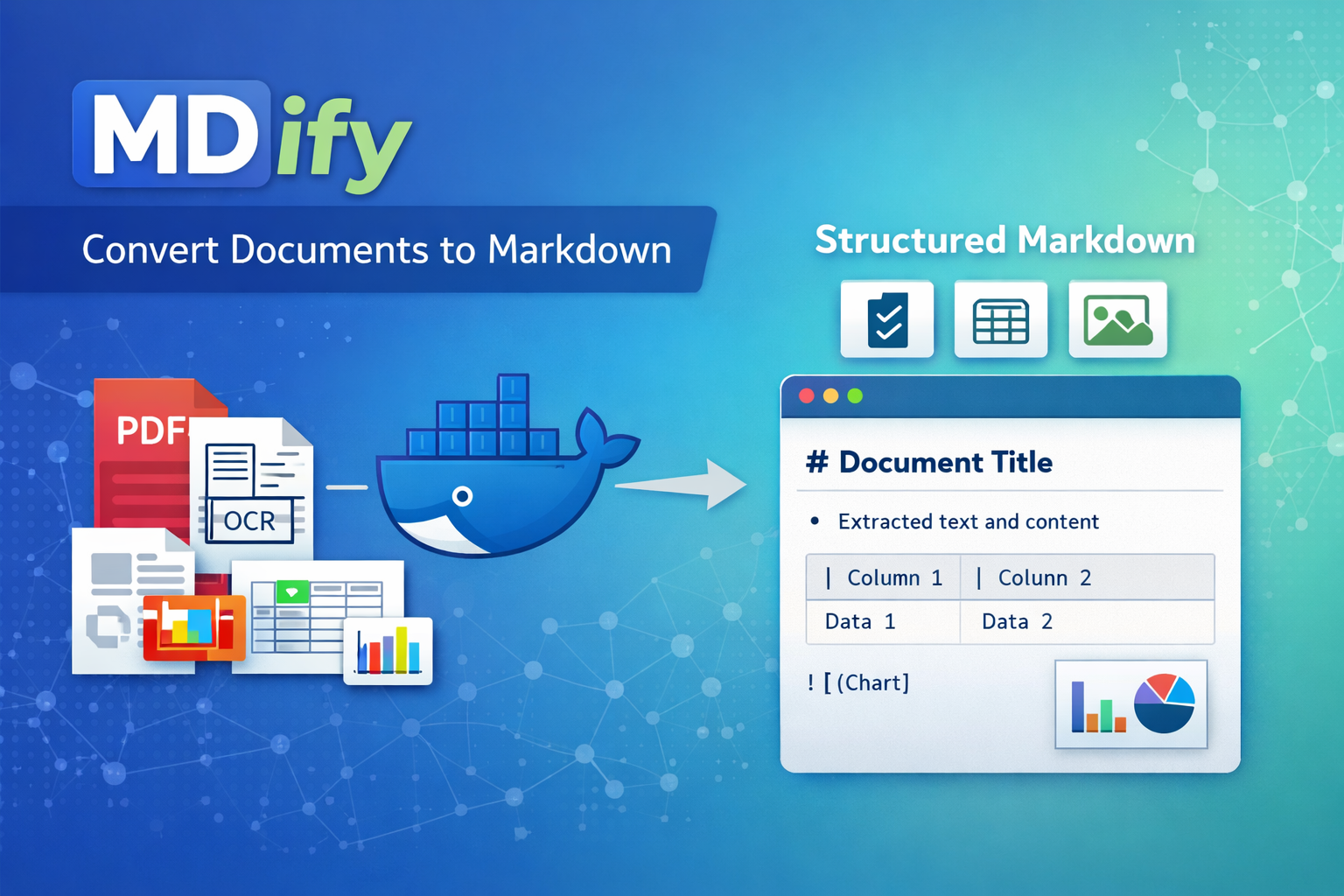



A lightweight CLI for converting documents to Markdown. The CLI is fast to install via pipx, while the heavy ML conversion runs inside a container.
| Format | Extensions |
|---|---|
.pdf |
|
| Microsoft Word | .doc, .docx |
| Microsoft Excel | .xlsx |
| Microsoft PowerPoint | .pptx |
| HTML | .html, .htm, .xhtml |
| AsciiDoc | .asciidoc, .adoc, .asc |
| CSV | .csv |
| Images | .png, .jpg, .jpeg, .tiff, .tif, .bmp, .webp |
| WebVTT | .vtt |
- Python 3.8+
- Docker, Podman, or native macOS container tools (for document conversion)
- On macOS: Supports Apple Container (macOS 26+), OrbStack, Colima, Podman, or Docker Desktop
- On Linux: Docker or Podman
- Auto-detects available tools
brew install pipx
pipx ensurepath
pipx install mdify-cli
Restart your terminal after installation.
For containerized document conversion, install one of these (or use Docker Desktop):
- Apple Container (macOS 26+): Download from https://github.com/apple/container/releases
- OrbStack (recommended):
brew install orbstack - Colima:
brew install colima && colima start - Podman:
brew install podman && podman machine init && podman machine start - Docker Desktop: Available at https://www.docker.com/products/docker-desktop
python3 -m pip install --user pipx
pipx ensurepath
pipx install mdify-clipip install mdify-cligit clone https://github.com/tiroq/mdify.git
cd mdify
pip install -e .Convert a single file:
mdify document.pdfThe first run will automatically pull the container image (~2GB) if not present.
Convert all PDFs in a directory:
mdify /path/to/documents -g "*.pdf"Recursively convert files:
mdify /path/to/documents -r -g "*.pdf"For faster processing with NVIDIA GPU:
mdify --gpu documents/*.pdfRequires NVIDIA GPU with CUDA support and nvidia-container-toolkit.
NEW: Convert documents on remote servers via SSH to offload resource-intensive processing:
# Basic remote conversion
mdify document.pdf --remote-host server.example.com

# Use SSH config alias
mdify document.pdf --remote-host production

# With custom configuration
mdify docs/*.pdf --remote-host 192.168.1.100 \
  --remote-user admin \
  --remote-key ~/.ssh/id_rsa

# Validate remote server before processing
mdify document.pdf --remote-host server --remote-validate-only
How it works:
- Connects to remote server via SSH
- Validates remote resources (disk space, memory, Docker/Podman)
- Uploads files via SFTP
- Starts remote container automatically
- Converts documents on remote server
- Downloads results via SFTP
- Cleans up remote files and stops container
Requirements:
- SSH key authentication (password auth not supported for security)
- Docker or Podman installed on remote server
- Minimum 5GB disk space and 2GB RAM on remote
SSH Configuration:
Create ~/.mdify/remote.conf for reusable settings:
host: production.example.com
port: 22
username: deploy
key_file: ~/.ssh/deploy_key
work_dir: /tmp/mdify-remote
container_runtime: docker
timeout: 30
Or use existing ~/.ssh/config:
Host production
  HostName 192.168.1.100
  User deploy
  Port 2222
  IdentityFile ~/.ssh/deploy_key
Then simply: mdify doc.pdf --remote-host production
Configuration Precedence (highest to lowest):
- CLI arguments (
--remote-*) ~/.mdify/remote.conf~/.ssh/config- Built-in defaults
See the SSH Remote Server Guide below for all options.
The --mask flag is deprecated and will be ignored in this version. PII masking functionality was available in older versions using a custom runtime but is not supported with the current docling-serve backend.
If PII masking is critical for your use case, please use mdify v1.5.x or earlier versions.
mdify now uses docling-serve for significantly faster batch processing:
- Single model load: Models are loaded once per session, not per file
- ~10-20x speedup for multiple file conversions compared to previous versions
- GPU acceleration: Use
--gpufor additional 2-6x speedup (requires NVIDIA GPU)
The first conversion takes longer (~30-60s) as the container loads ML models into memory. Subsequent files in the same batch process quickly, typically in 1-3 seconds per file.
| Option | Description |
|---|---|
input |
Input file or directory to convert (required) |
-o, --out-dir DIR |
Output directory for converted files (default: output) |
-g, --glob PATTERN |
Glob pattern for filtering files (default: *) |
-r, --recursive |
Recursively scan directories |
--flat |
Disable directory structure preservation |
--overwrite |
Overwrite existing output files |
-q, --quiet |
Suppress progress messages |
-m, --mask |
|
--gpu |
Use GPU-accelerated container (requires NVIDIA GPU and nvidia-container-toolkit) |
--port PORT |
Container port (default: 5001) |
--runtime RUNTIME |
Container runtime: docker, podman, orbstack, colima, or container (auto-detected) |
--image IMAGE |
Custom container image (default: ghcr.io/docling-project/docling-serve-cpu:main) |
--pull POLICY |
Image pull policy: always, missing, never (default: missing) |
--check-update |
Check for available updates and exit |
--version |
Show version and exit |
| Option | Description |
|---|---|
--remote-host HOST |
SSH hostname or IP (required for remote mode) |
--remote-port PORT |
SSH port (default: 22) |
--remote-user USER |
SSH username (uses ~/.ssh/config or current user) |
--remote-key PATH |
SSH private key file path |
--remote-key-passphrase PASS |
SSH key passphrase |
--remote-timeout SEC |
SSH connection timeout in seconds (default: 30) |
--remote-work-dir DIR |
Remote working directory (default: /tmp/mdify-remote) |
--remote-runtime RT |
Remote container runtime: docker or podman (auto-detected) |
--remote-config PATH |
Path to mdify remote config file (default: ~/.mdify/remote.conf) |
--remote-skip-ssh-config |
Don't load settings from ~/.ssh/config |
--remote-skip-validation |
Skip remote resource validation (not recommended) |
--remote-validate-only |
Validate remote server and exit (dry run) |
--remote-debug |
Enable detailed SSH debug logging |
mdify automatically detects and uses the best available container runtime. The detection order differs by platform:
macOS (recommended):
- Apple Container (native, macOS 26+ required)
- OrbStack (lightweight, fast)
- Colima (open-source alternative)
- Podman (via Podman machine)
- Docker Desktop (full Docker)
Linux:
- Docker
- Podman
Override runtime:
Use the MDIFY_CONTAINER_RUNTIME environment variable to force a specific runtime:
export MDIFY_CONTAINER_RUNTIME=orbstack
mdify document.pdf
Or inline:
MDIFY_CONTAINER_RUNTIME=colima mdify document.pdfSupported values: docker, podman, orbstack, colima, container
If the selected runtime is installed but not running, mdify will display a helpful warning:
Warning: Found container runtime(s) but daemon is not running:
  - orbstack (/opt/homebrew/bin/orbstack)

Please start one of these tools before running mdify.
macOS tip: Start OrbStack, Colima, or Podman Desktop application
With --flat, all output files are placed directly in the output directory. Directory paths are incorporated into filenames to prevent collisions:
docs/subdir1/file.pdf→output/subdir1_file.mddocs/subdir2/file.pdf→output/subdir2_file.md
Convert all PDFs recursively, preserving structure:
mdify documents/ -r -g "*.pdf" -o markdown_outputConvert with Podman instead of Docker:
mdify document.pdf --runtime podmanUse a custom/local container image:
mdify document.pdf --image my-custom-image:latestForce pull latest container image:
mdify document.pdf --pull┌──────────────────┐ ┌─────────────────────────────────┐
│ mdify CLI │ │ Container (Docker/Podman) │
│ (lightweight) │────▶│ ┌───────────────────────────┐ │
│ │ │ │ Docling + ML Models │ │
│ - File handling │◀────│ │ - PDF parsing │ │
│ - Container │ │ │ - OCR (Tesseract) │ │
│ orchestration │ │ │ - Document conversion │ │
└──────────────────┘ │ └───────────────────────────┘ │
└─────────────────────────────────┘
The CLI:
- Installs in seconds via pipx (no ML dependencies)
- Automatically detects Docker or Podman
- Pulls the runtime container on first use
- Mounts files and runs conversions in the container
mdify uses official docling-serve containers:
CPU Version (default):
ghcr.io/docling-project/docling-serve-cpu:main
GPU Version (use with --gpu flag):
ghcr.io/docling-project/docling-serve-cu126:main
These are official images from the docling-serve project.
mdify checks for updates daily. When a new version is available:
==================================================
A new version of mdify is available!
  Current version: 0.3.0
  Latest version:  0.4.0
==================================================

Run upgrade now? [y/N]
export MDIFY_NO_UPDATE_CHECK=1pipx uninstall mdify-cliOr if installed via pip:
pip uninstall mdify-cliConnection Refused
Error: SSH connection failed: Connection refused (host:22)
- Verify SSH server is running on remote:
ssh user@host - Check firewall allows port 22 (or custom SSH port)
- Verify hostname/IP is correct
Authentication Failed
Error: SSH authentication failed
- Use SSH key authentication (password auth not supported)
- Verify key file exists:
ls -l ~/.ssh/id_rsa - Check key permissions:
chmod 600 ~/.ssh/id_rsa - Test SSH manually:
ssh -i ~/.ssh/id_rsa user@host - Add key to ssh-agent:
ssh-add ~/.ssh/id_rsa
Remote Container Runtime Not Found
Error: Container runtime not available: docker/podman
- Install Docker on remote:
sudo apt install docker.io(Ubuntu/Debian) - Or install Podman:
sudo dnf install podman(Fedora/RHEL) - Add user to docker group:
sudo usermod -aG docker $USER - Verify remote Docker running:
ssh user@host docker ps
Insufficient Remote Resources
Warning: Less than 5GB available on remote
- Free up disk space on remote server
- Use
--remote-work-dirto specify different partition - Use
--remote-skip-validationto bypass check (not recommended)
File Transfer Timeout
Error: File transfer timeout
- Increase timeout:
--remote-timeout 120 - Check network bandwidth and stability
- Try smaller files first to verify connection
Container Health Check Fails
Error: Container failed to become healthy within 60 seconds
- Check remote Docker logs:
ssh user@host docker logs mdify-remote-<id> - Verify port 5001 not in use:
ssh user@host netstat -tuln | grep 5001 - Try different port:
--port 5002
SSH Config Not Loaded
If using SSH config alias but getting connection errors:
# Verify SSH config is valid
cat ~/.ssh/config

# Test SSH config works
ssh your-alias

# Use explicit connection if needed
mdify doc.pdf --remote-host 192.168.1.100 --remote-user admin
Permission Denied on Remote
Error: Work directory not writable: /tmp/mdify-remote
- SSH to remote and check permissions:
ssh user@host ls -ld /tmp - Use directory in your home:
--remote-work-dir ~/mdify-temp - Fix permissions:
ssh user@host chmod 777 /tmp/mdify-remote
Debug Mode
Enable detailed logging for troubleshooting:
# Debug SSH operations
mdify doc.pdf --remote-host server --remote-debug

# Debug local operations
MDIFY_DEBUG=1 mdify doc.pdfThis project uses Task for automation:
# Show available tasks
task

# Build package
task build

# Build container locally
task container-build

# Release workflow
task release-patchSee PUBLISHING.md for complete publishing instructions.
MIT