Music Player is a serverless web application that allows you to listen to music and browse the Spotify library through your Spotify Premium account. Powered by Spotify's Web API and Web Playback SDK, the app allows you to use your browser as a music player directly (recommended experience) or control a connected device.
Music Player was built with the following technologies:
- React
- Next JS
- Apollo + GraphQL
- Material UI
- Framer Motion
Music Player is deployed to production through Vercel. Click here to try it out: https://music-player-zsidnam.vercel.app . (You will need a Spotify account to log in).
For best experience, please use Google Chrome. Note that many of the features including the in-browser web player and playback control are only available if you have a Spotify Premium account.
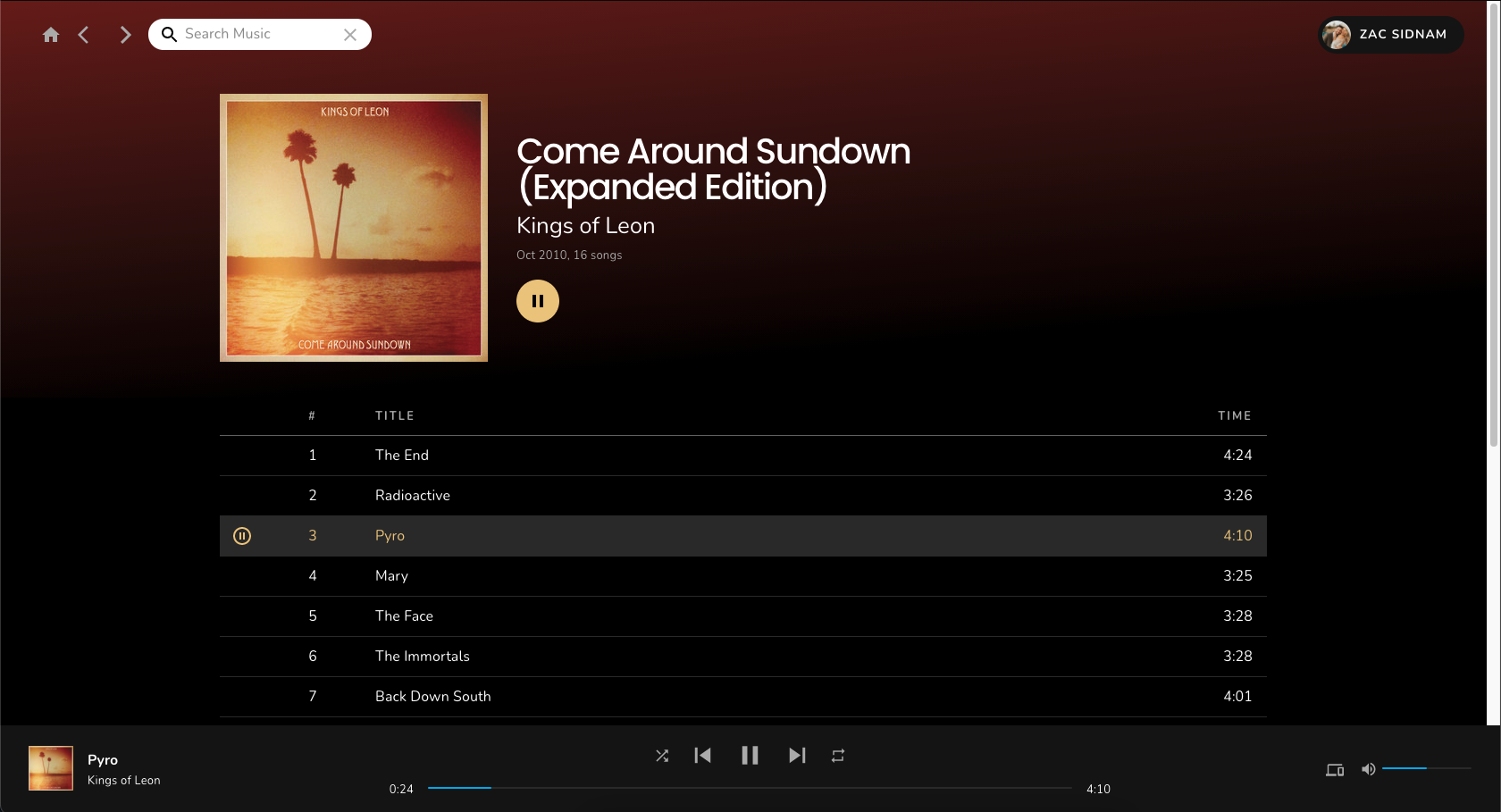
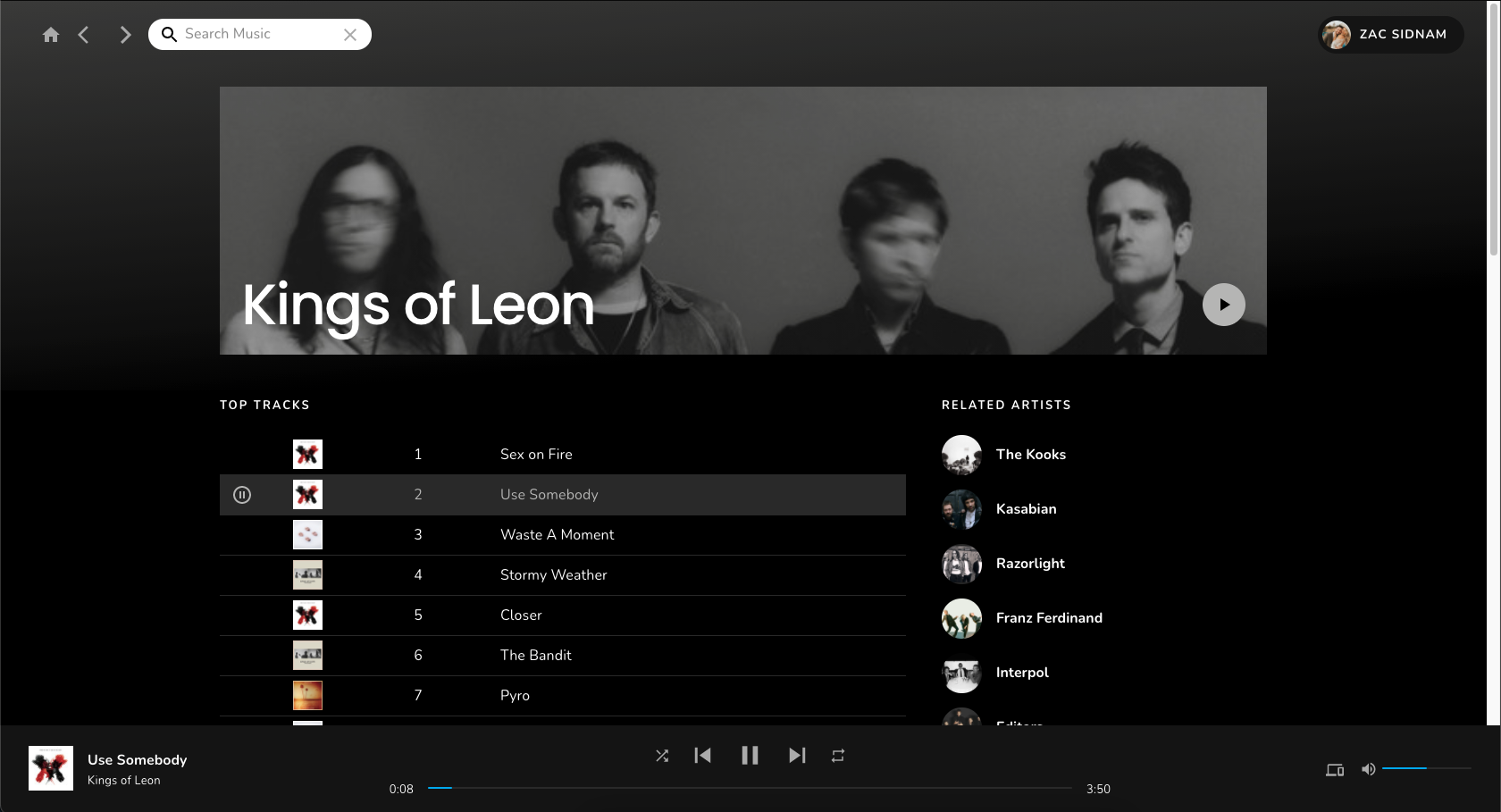
To run Music Player on your machine, follow these steps:
- Ensure you have Node 12 or higher installed
- Clone this repository
- Set up a Spotify Developer account and register Music Player as an app
- Create a .env.local file in the project directory and add the clientId and clientSecret given to you by Spotify, along with the redirectURI your application will use to receive the authorization callback
- Edit your project from the Spotify Dashboard and add your redirectURI to the whitelist
// .env.local

SPOTIFY_CLIENT_ID=foo // your clientID here
SPOTIFY_CLIENT_SECRET=bar // your clientSecret here
SPOTIFY_REDIRECT_URI='http://localhost:3001/api/auth/callback' // remove quotes (used for markdown display only)
NEXT_PUBLIC_ALLOW_PREFETCH=true // set to false if you want to disable pre-fetching (substantially reducing Spotify API calls)- Run the following command from the project directory:
// .../music-player

npm i
npm run dev-
I have been a huge fan of Spotify since its early days, so I thought it would be a fun exercise to re-create the Spotify UI with a few tweaks here and there. Since the purpose of this project was to re-create an existing app experience, most of the design elements were taken from Spotify. I do not own any of the designs or the content I used from Spotify, nor do I own the rights to any of the music shown in the screenshots of this README.
-
This project is a practice application for me to play around with new libraries and technologies. Because of that, some engineering choices favored learning/experimentation over choosing the perfect tool for each problem. For example: I wanted to play around with React Context more, so I chose to use that instead of using a large state management library like Redux even if such a library might be better suited to an application like this long term.
-
Because this project was built for learning purposes, there are a few best practices I ignored during development for the sake of time, the biggest of which is testing. While unit and integration tests are vital for production applications (and still useful for personal projects), I wanted to focus my time on building more features instead of writing lots of tests for this application.